
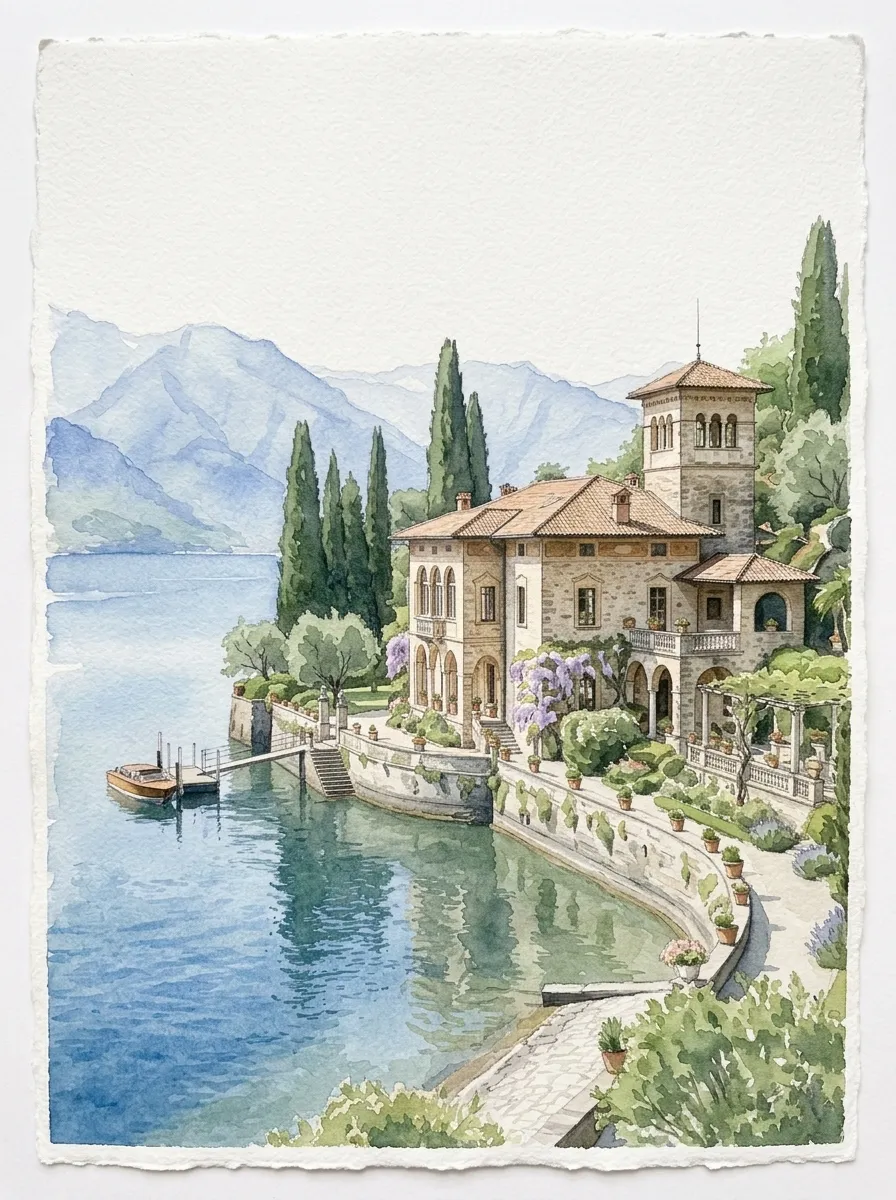
Venue keepsake
Preserve the setting as a standalone print with recognizable architecture and soft surrounding washes.
Wedding venue watercolor
Transform a venue photo into romantic watercolor artwork for invitations, save-the-dates, welcome signs, maps, and personal keepsakes.

Create your venue illustration
Recommended for you
A clean view of the entrance, facade, garden, or ceremony setting gives the artwork a clear focal point for stationery.
1. Upload your photo
Choose a recognizable exterior, entrance, garden, or ceremony view with clear architecture.
2. Plan the stationery layout
Describe the palette, season, flowers, level of detail, and paper space needed around the venue.
3. Generate and refine
Generate the artwork, then adjust architecture, foliage, color, or composition before placing final text.
Preserve the setting as a standalone print with recognizable architecture and soft surrounding washes.
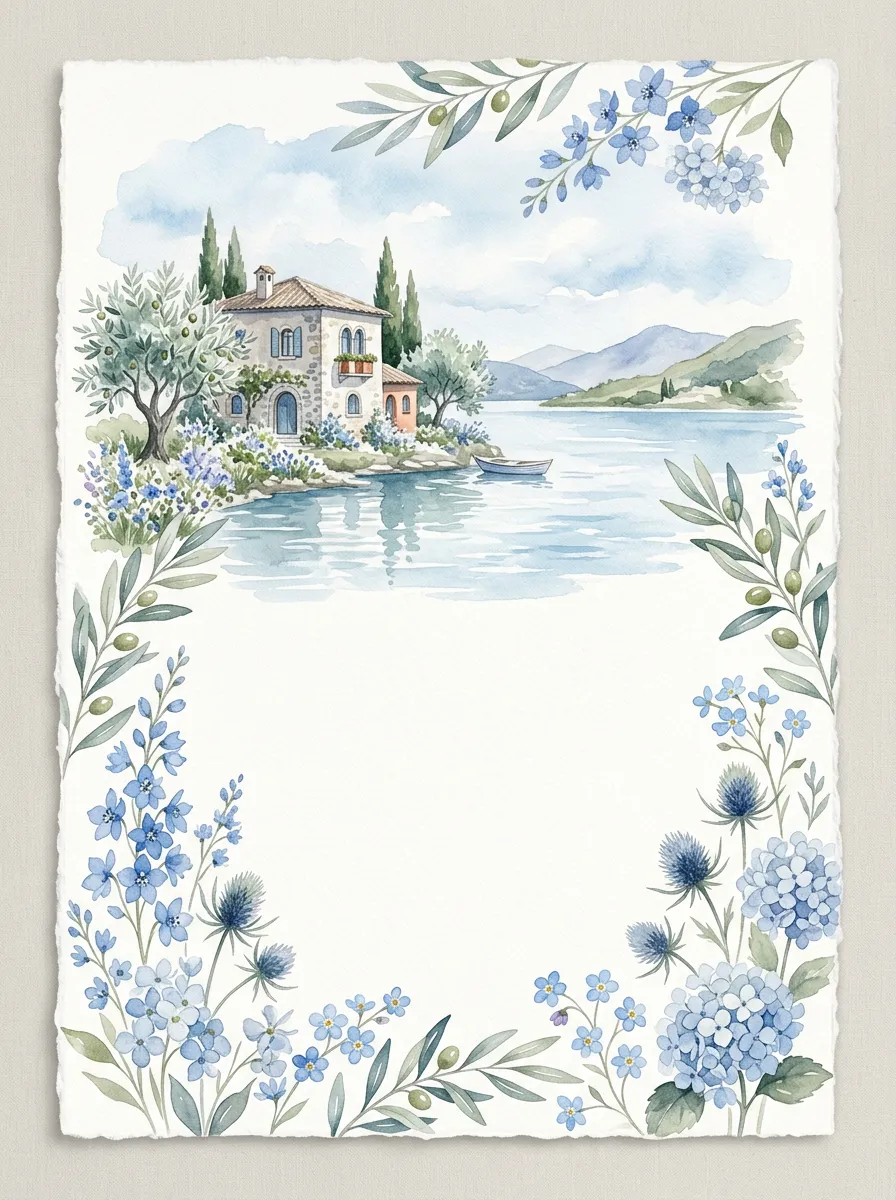
Leave calm paper space for names and details while the venue anchors the stationery suite.
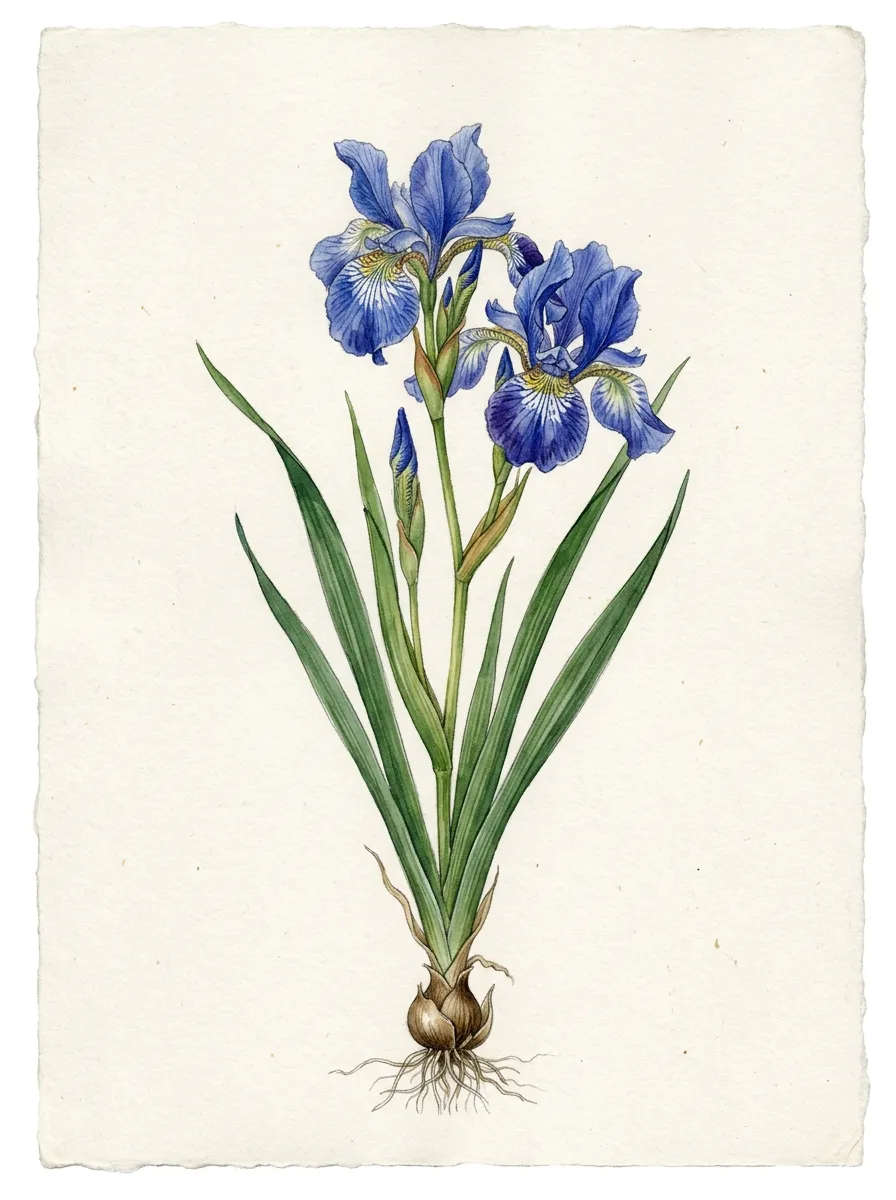
Pair the architecture with flowers and foliage drawn from the bouquet, season, or venue garden.
Yes. Ask for a composition with enough open paper space for invitation text, then add exact names, dates, and typography in your layout tool.
Yes. List distracting objects to remove and describe the lawn, paving, garden, or sky that should appear in their place.
Yes. Name the colors or describe the flowers, season, and paper tone. You can continue refining individual colors in chat after the first result.
For reliable spelling and typography, generate the venue art without final wording and add exact text afterward in a design editor.
Turn a photo into watercolor art online. Upload a portrait, pet, house, or venue, choose an AI model, and refine the result through chat.
Create a watercolor pet portrait from a dog, cat, or other pet photo. Preserve markings and expression, choose a style, and refine the painting in chat.
Turn a house photo into a watercolor portrait. Preserve rooflines, windows, doors, and landscaping for a home, storefront, or real-estate keepsake.
Upload a recognizable view, choose the wedding palette, and create artwork you can refine for print.