
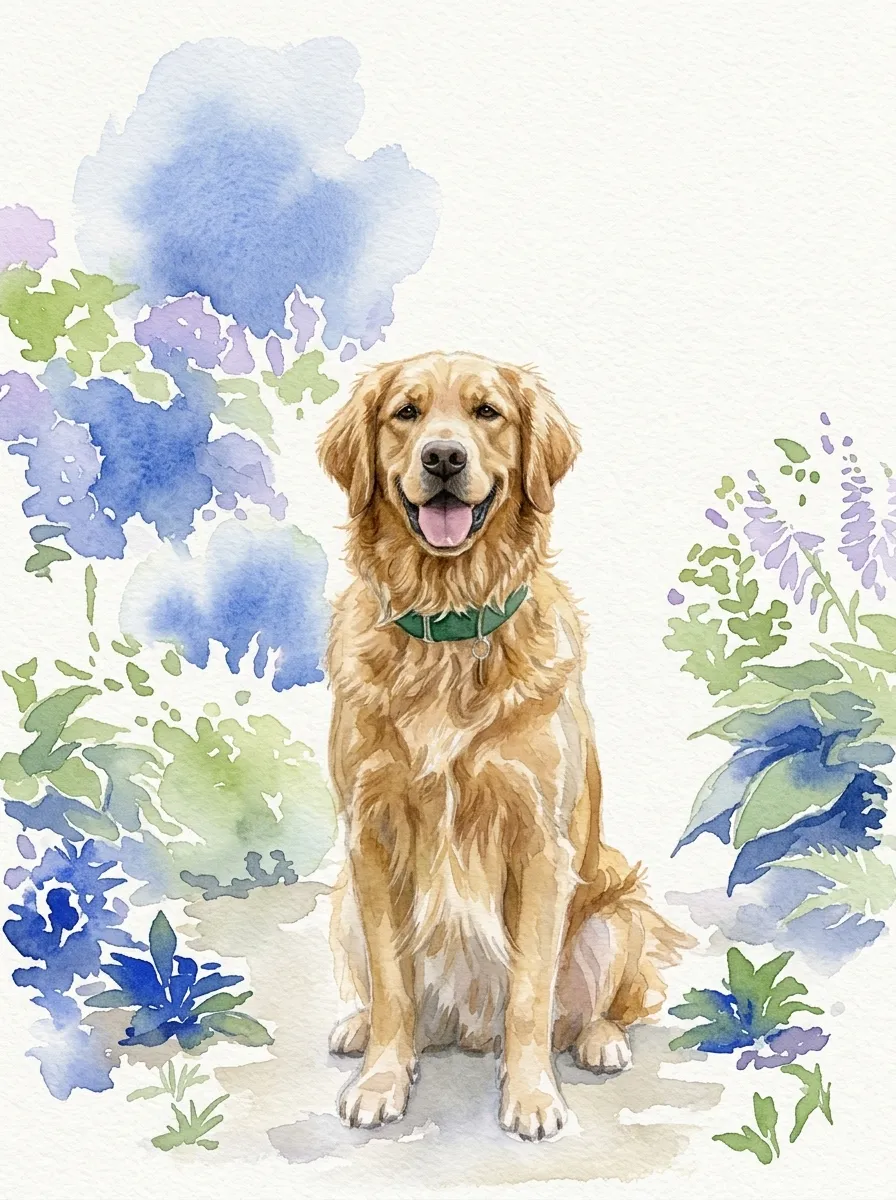
Classic keepsake portrait
Keep the face and coat accurate with controlled transparent washes and a quiet paper background.
Watercolor pet portrait
Upload a favorite dog, cat, or companion photo and turn it into a personal watercolor keepsake while preserving the features that make them recognizable.
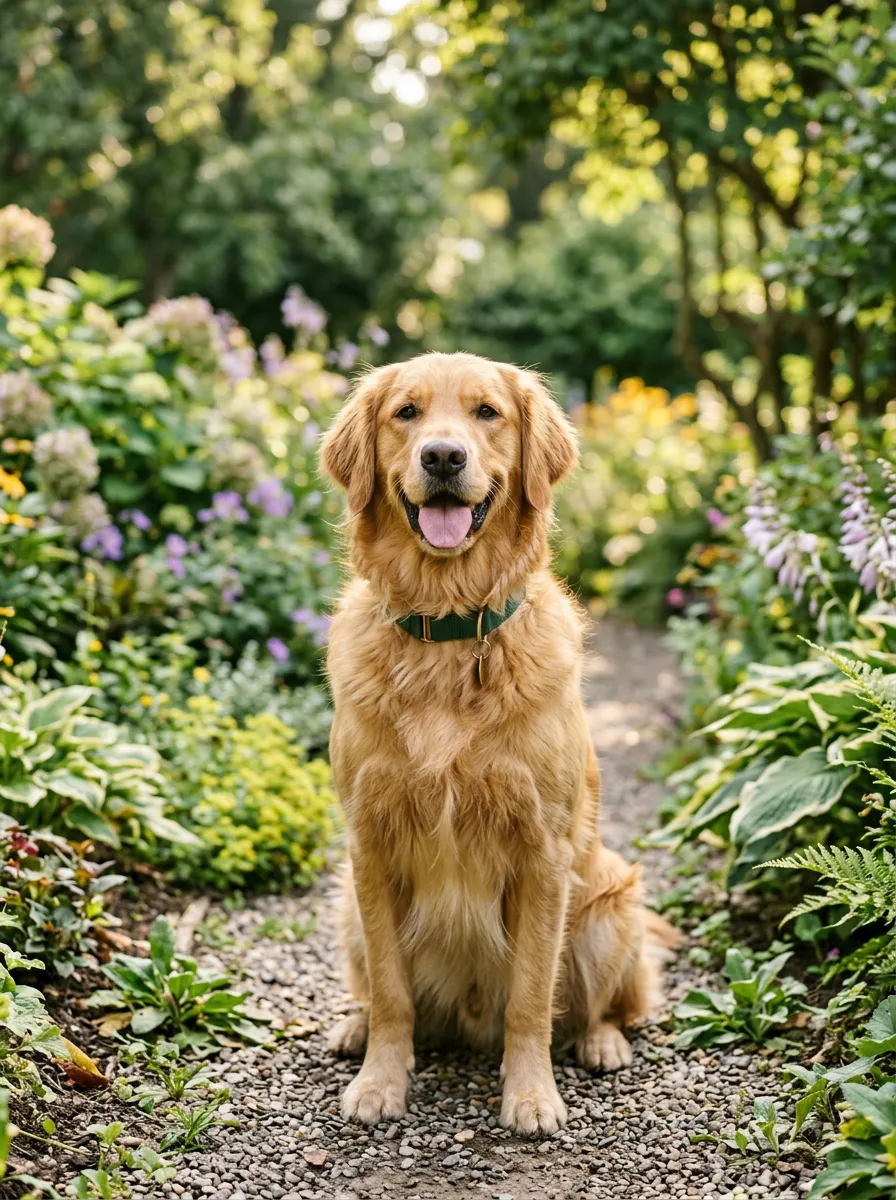
Paint your pet from a photo
Recommended for you
A clear view of the eyes, face, coat, and pose helps the portrait feel like your pet rather than a generic animal painting.
1. Upload your photo
Choose a clear photo that captures your pet's face, markings, and natural expression.
2. Describe their character
Name the details to preserve and choose a background, palette, and level of realism.
3. Generate and refine
Generate the portrait, then adjust markings, color, background, or brushwork in the same chat.
Keep the face and coat accurate with controlled transparent washes and a quiet paper background.
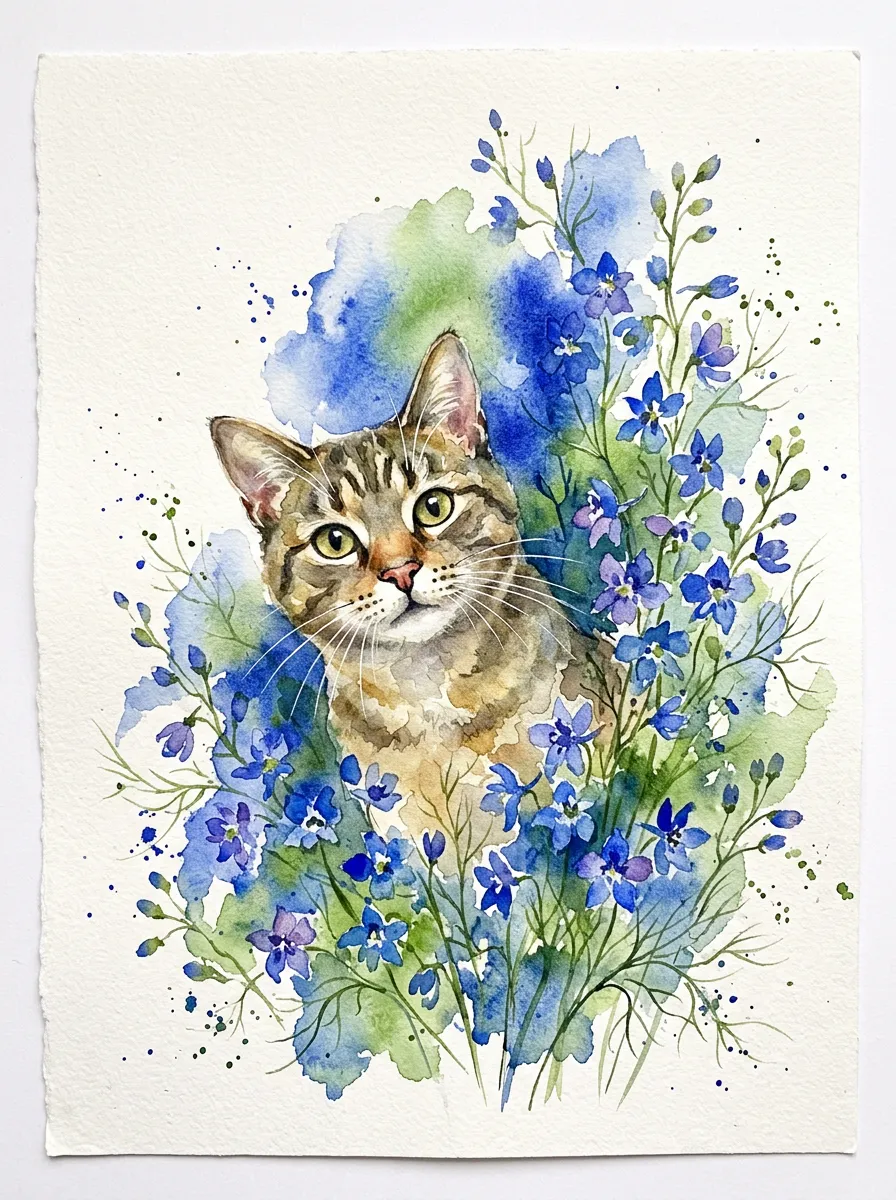
Place your pet among loose leaves and flowers for a softer, decorative composition.
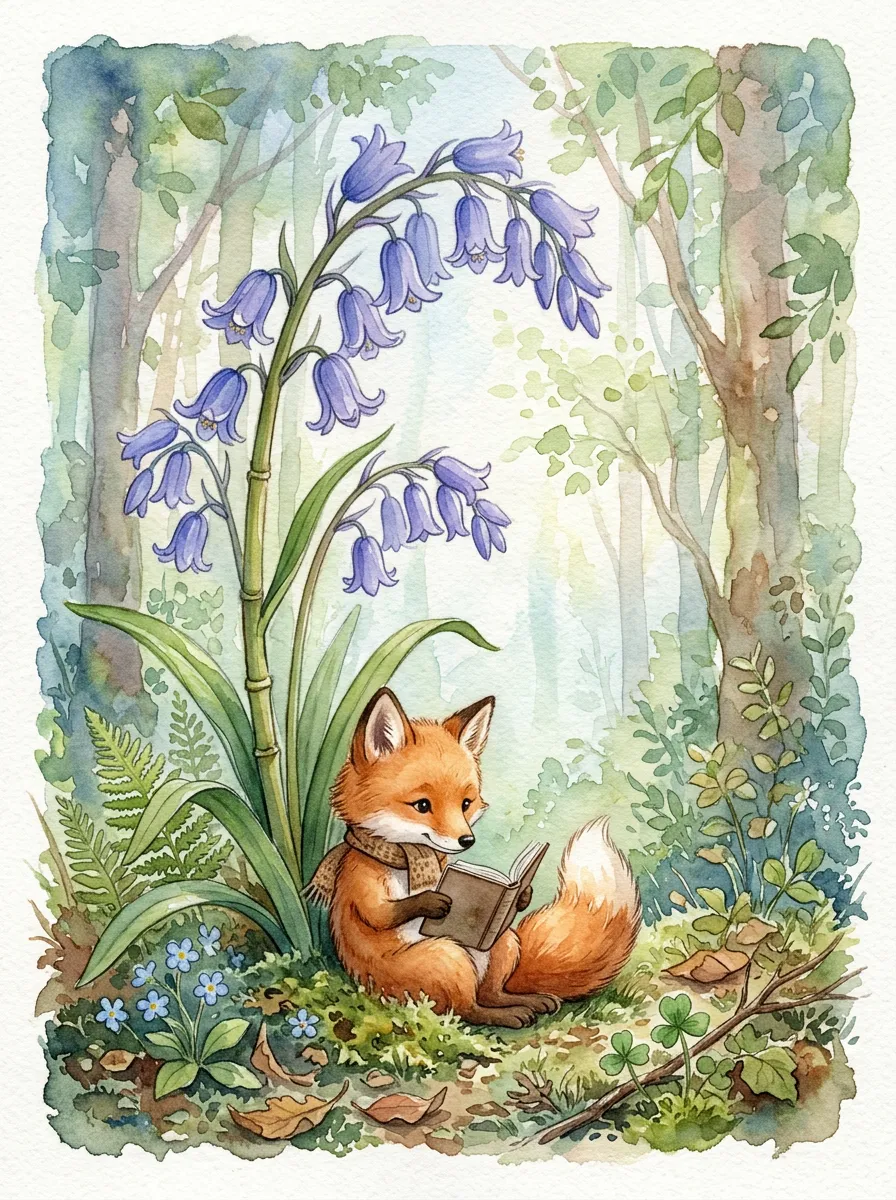
Use expressive color and simplified shapes for gifts, nursery art, or a playful family print.
The source photo guides coat pattern, face shape, eye color, and pose. Name unusual markings in the prompt so the model treats them as details to preserve.
Yes. Upload a photo showing the pets together, or add multiple reference photos and describe where each pet should appear in the composition.
Yes. Ask for clean white paper, a transparent-looking wash, flowers, a garden, or another simple setting around the pet.
Yes. Continue in chat and request a focused correction such as changing one eye color, restoring a patch, or softening the background.
Turn a photo into watercolor art online. Upload a portrait, pet, house, or venue, choose an AI model, and refine the result through chat.
Turn a house photo into a watercolor portrait. Preserve rooflines, windows, doors, and landscaping for a home, storefront, or real-estate keepsake.
Turn a wedding venue photo into watercolor art for invitations, save-the-dates, maps, signage, and keepsakes while preserving its architecture.
Upload the photo, describe the features that matter, and refine the watercolor until it feels personal.