
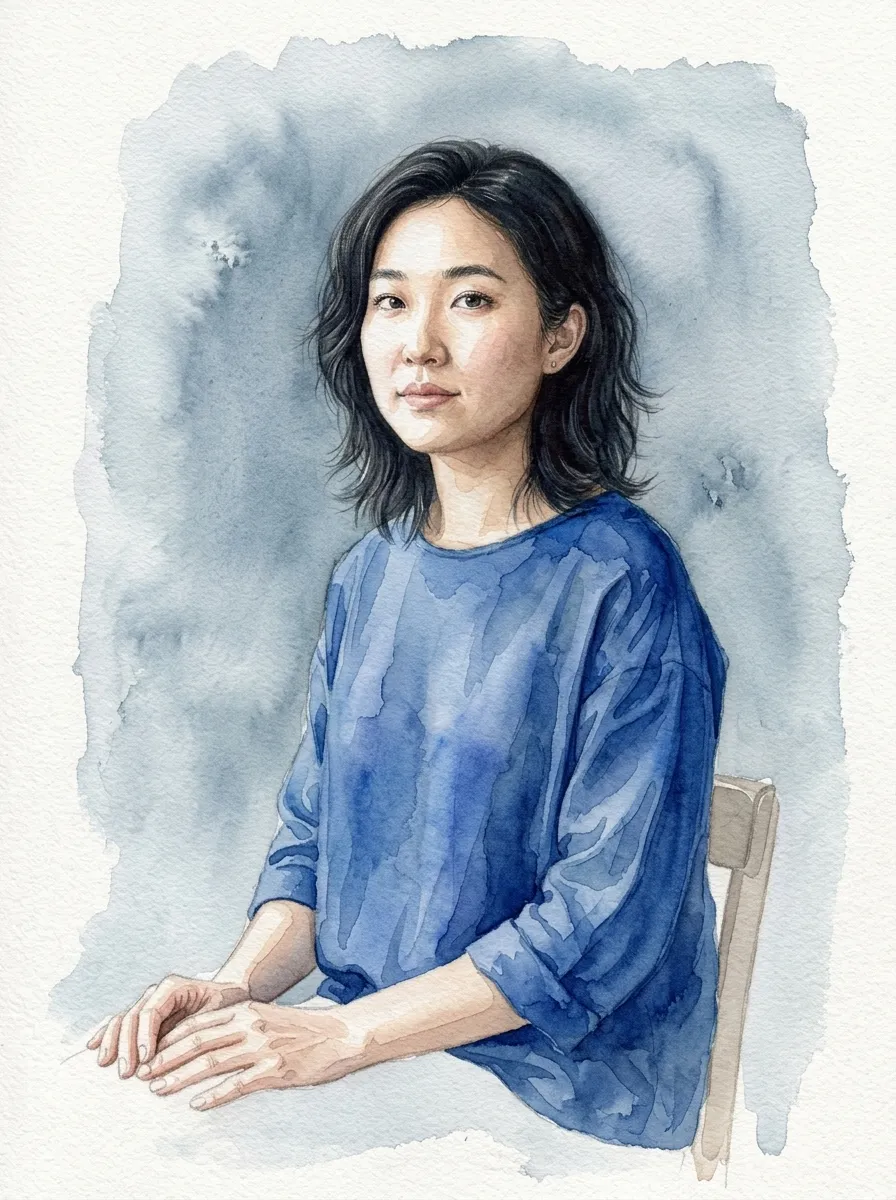
Portraits and family photos
Preserve faces and expressions while replacing the photographic finish with transparent washes and soft paper texture.
Photo to watercolor online
Upload a portrait, pet, house, landscape, or wedding venue. Choose how loose or detailed the watercolor should feel, then keep refining the result through chat.
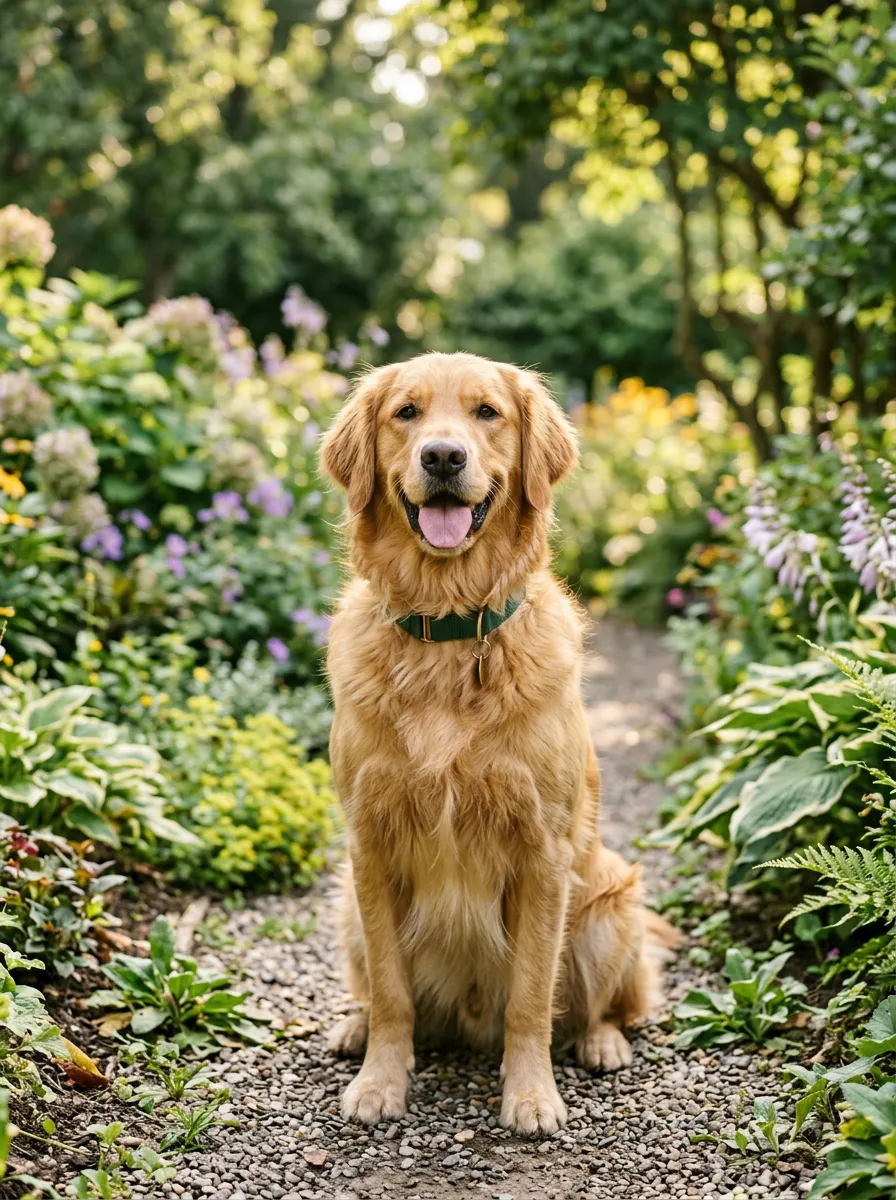
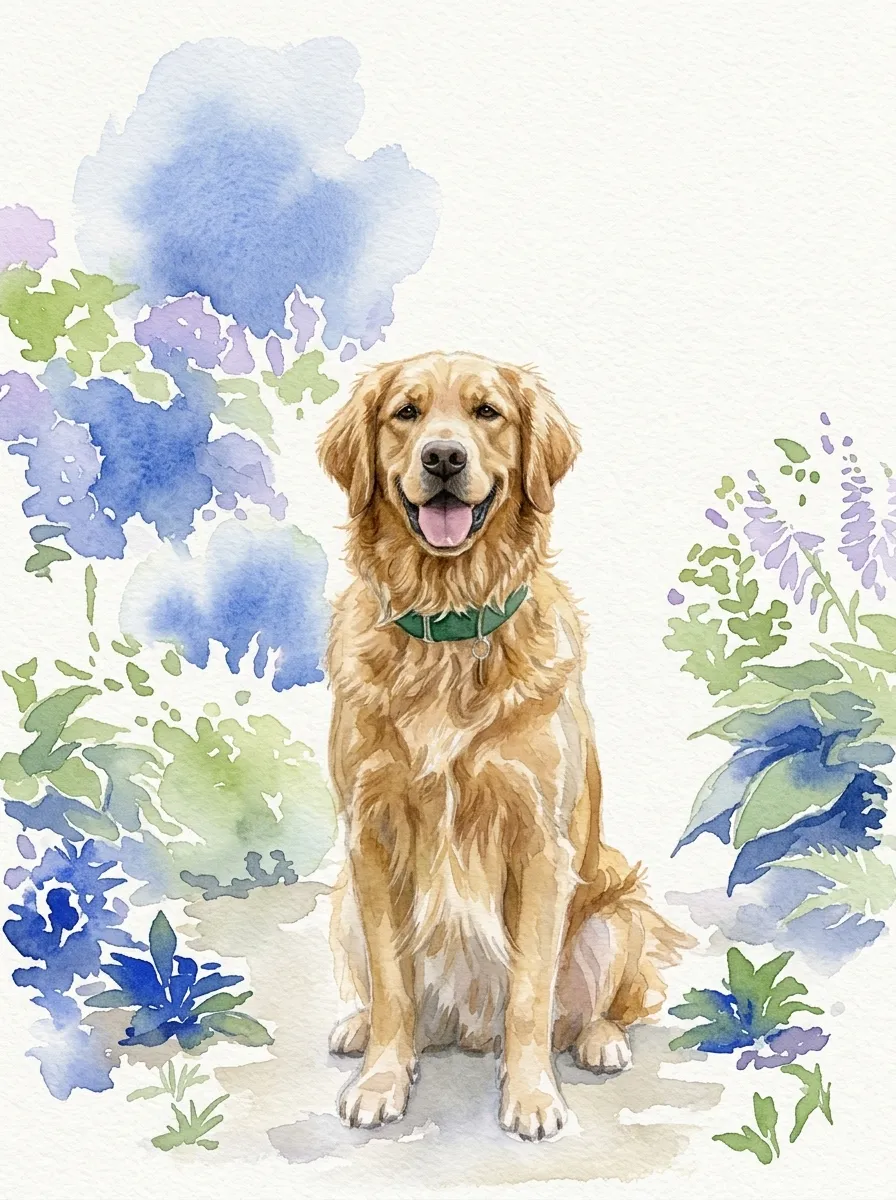
Create a watercolor from your photo
Recommended for you
A strong source image gives the model more reliable shapes, faces, and architectural details to carry into the watercolor.
1. Upload your photo
Add one clear source image from your device or choose a reference already saved in your library.
2. Describe the watercolor
Pick an editable example or describe the wash, palette, paper, composition, and details to preserve.
3. Generate and refine
Continue in the same chat to soften edges, correct a detail, adjust color, or create another version.
Preserve faces and expressions while replacing the photographic finish with transparent washes and soft paper texture.
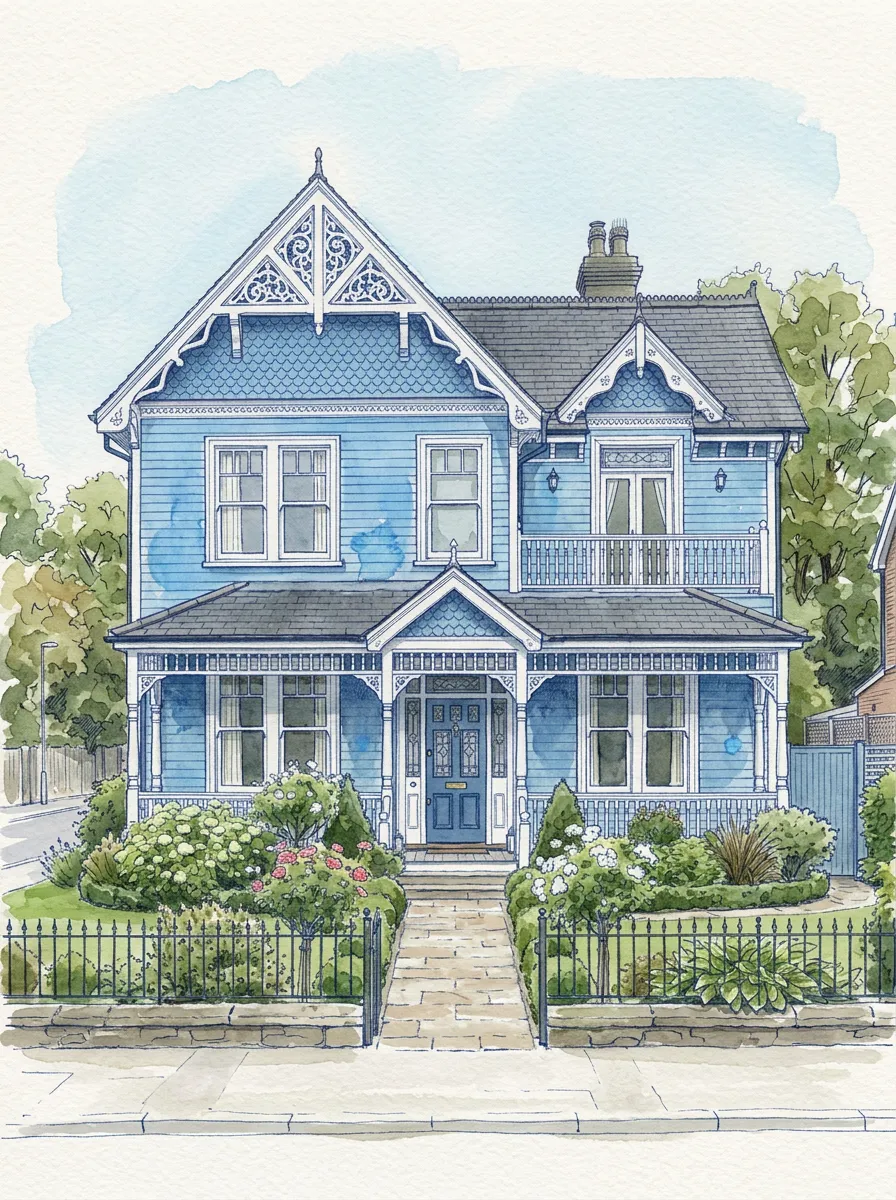
Keep rooflines, windows, doors, and facade details readable in a controlled ink-and-watercolor treatment.
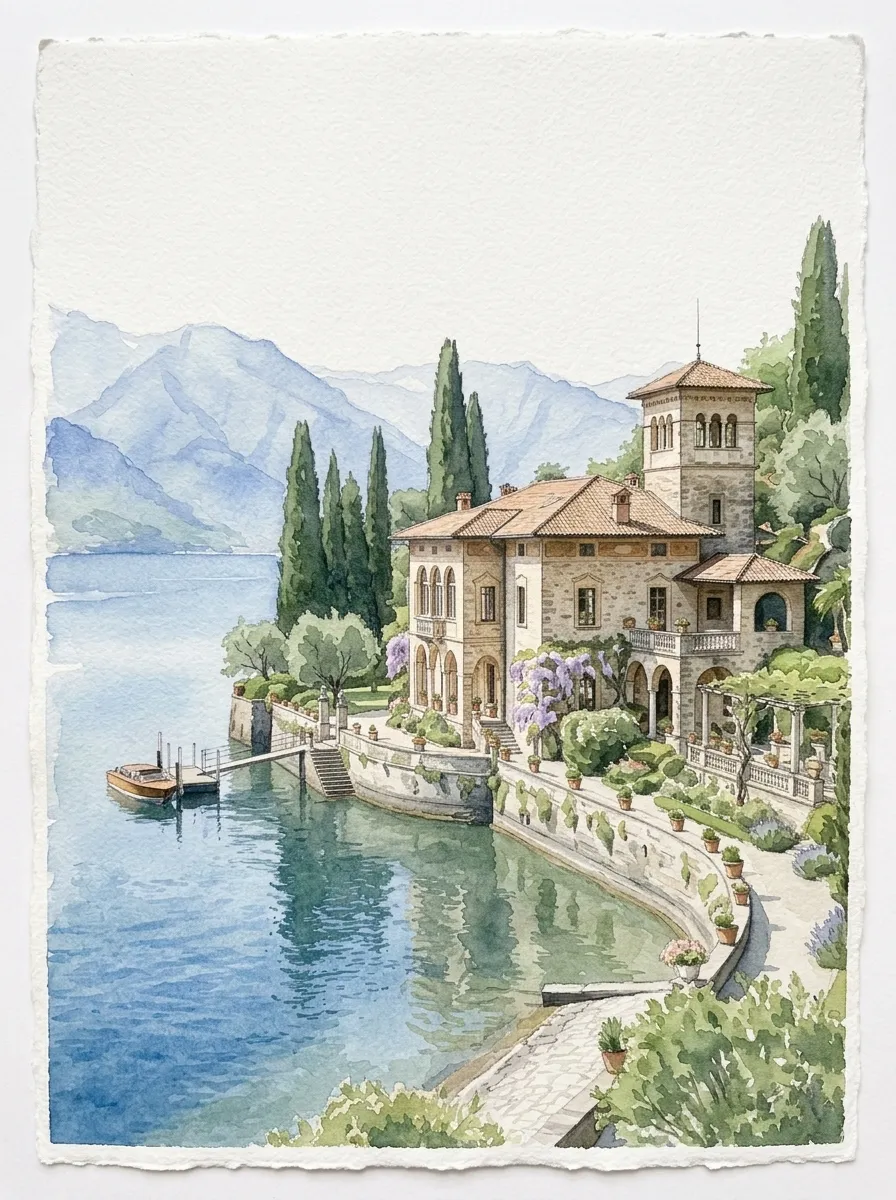
Turn a meaningful place into romantic invitation artwork with recognizable architecture and open paper space.
You can upload portraits, pets, houses, venues, landscapes, products, and most other clear photos. A well-lit image with an unobstructed subject usually produces the most recognizable result.
The source photo guides the subject, pose, composition, and visible details. Tell the generator which features must remain accurate, then request a targeted correction in chat if a detail changes too much.
The uploader accepts common web image formats including JPG, PNG, and WebP. Use the highest-quality copy available when you want fine facial or architectural detail.
Yes. Continue in the same conversation to change the palette, paper texture, background, edge softness, composition, or a specific marked area.
You can prepare the photo and prompt on this page. Sign in when you generate so the image, conversation, and later revisions can be saved to your account.
Paid plans include commercial use for downloaded results. You remain responsible for the rights to the source photo and for following the selected model provider's terms.
Create a watercolor pet portrait from a dog, cat, or other pet photo. Preserve markings and expression, choose a style, and refine the painting in chat.
Turn a house photo into a watercolor portrait. Preserve rooflines, windows, doors, and landscaping for a home, storefront, or real-estate keepsake.
Turn a wedding venue photo into watercolor art for invitations, save-the-dates, maps, signage, and keepsakes while preserving its architecture.
Upload the image above, describe the details that matter, and continue refining the painting in chat.