
Watercolor prompt recipes
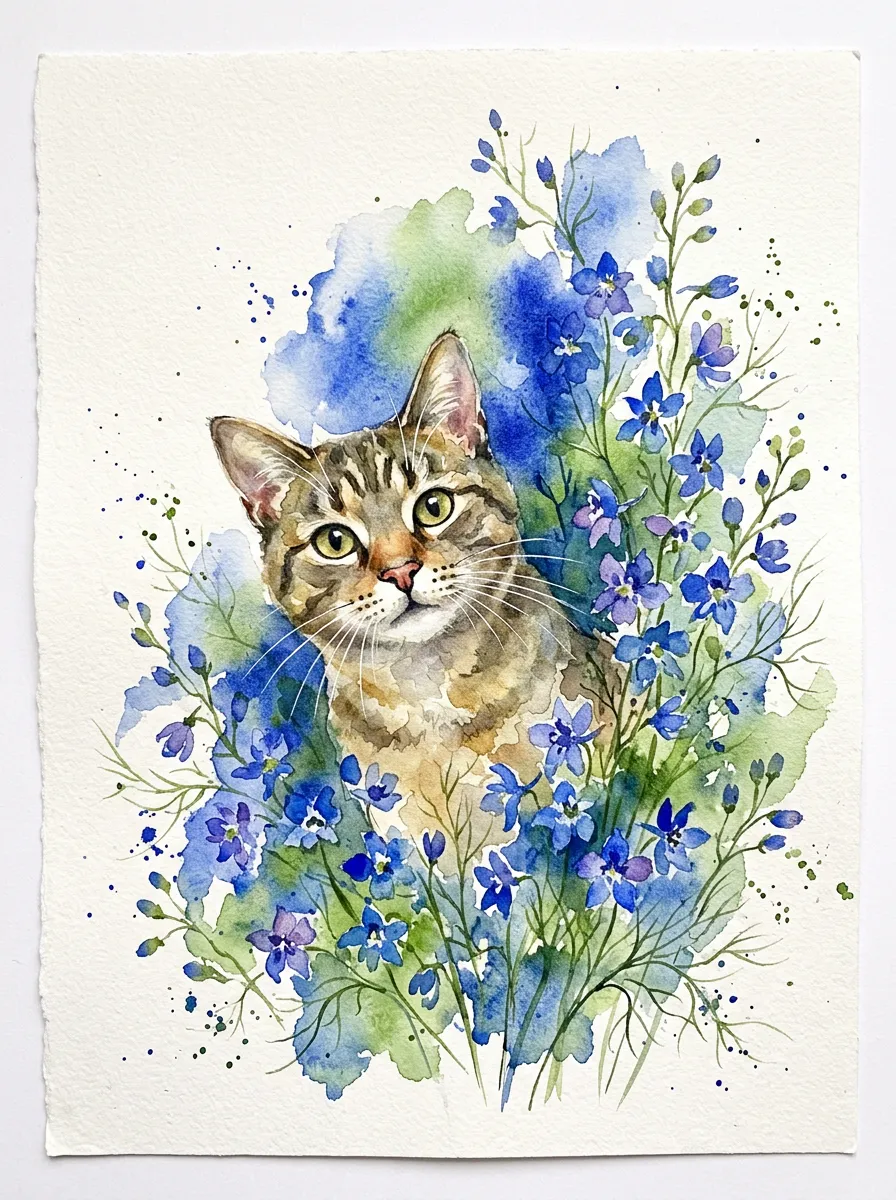
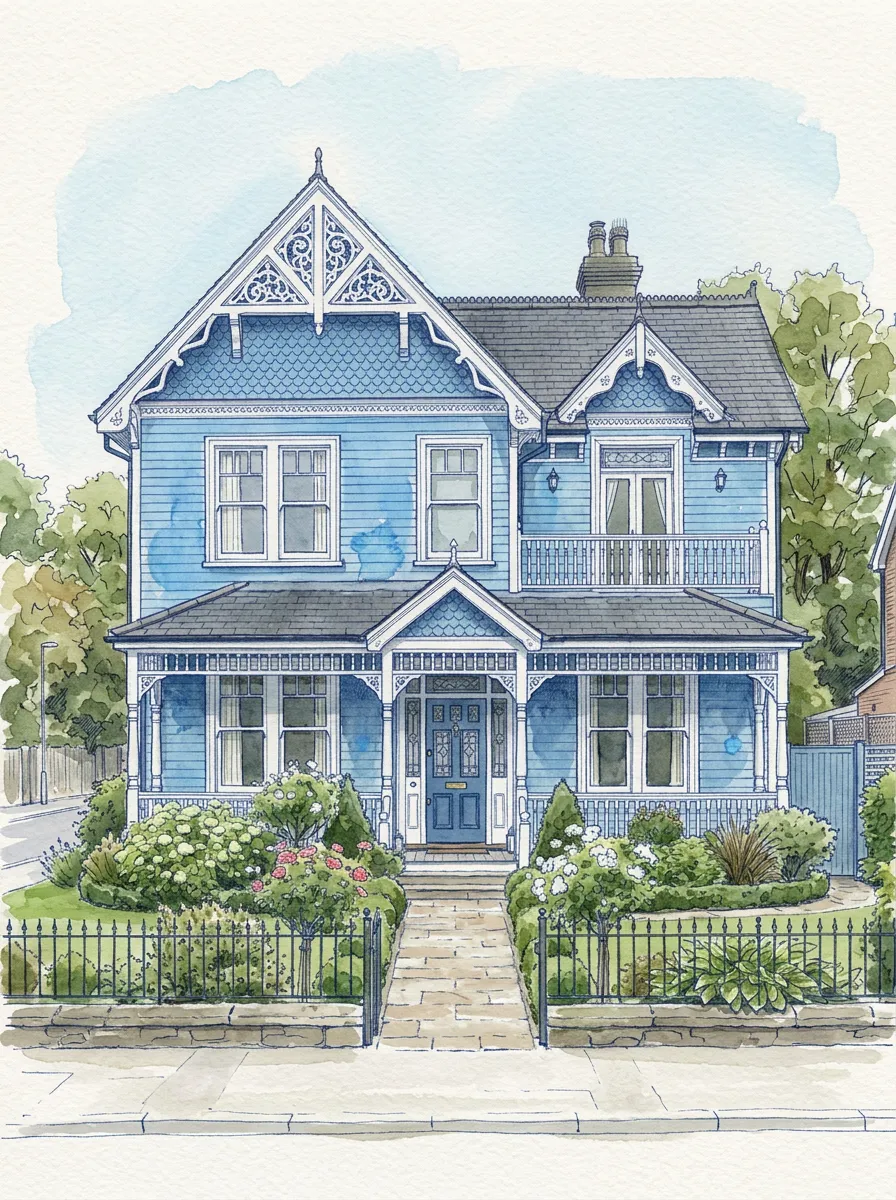
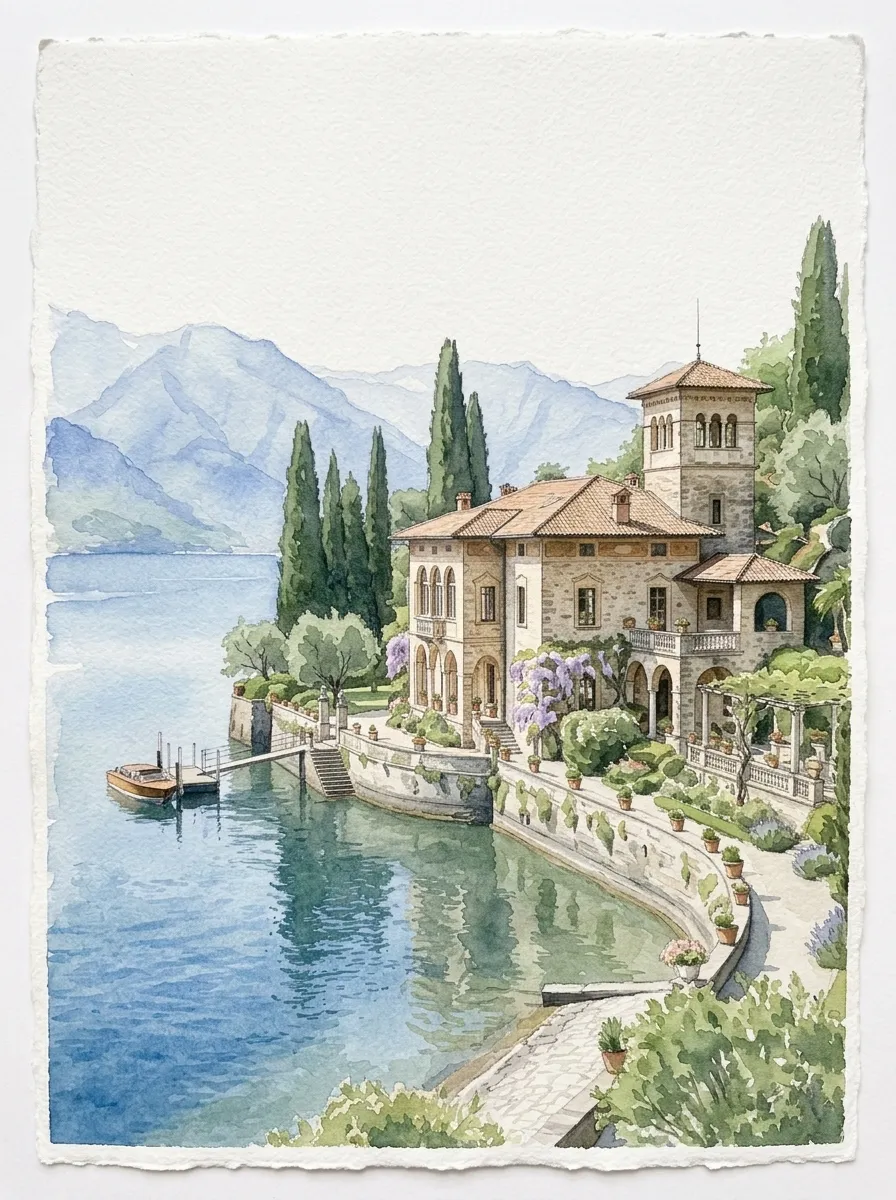
Start with editable prompts for portraits, pets, architecture, weddings, botanicals, landscapes, or storybook illustrations.
AI watercolor art studio
Turn a photo or text prompt into AI watercolor art, refine faces, colors, paper texture, and composition through chat, then save reference images and branch into new creative directions.
Create a watercolor from a photo or prompt
Recommended for you
Choose the AI image model for your watercolor
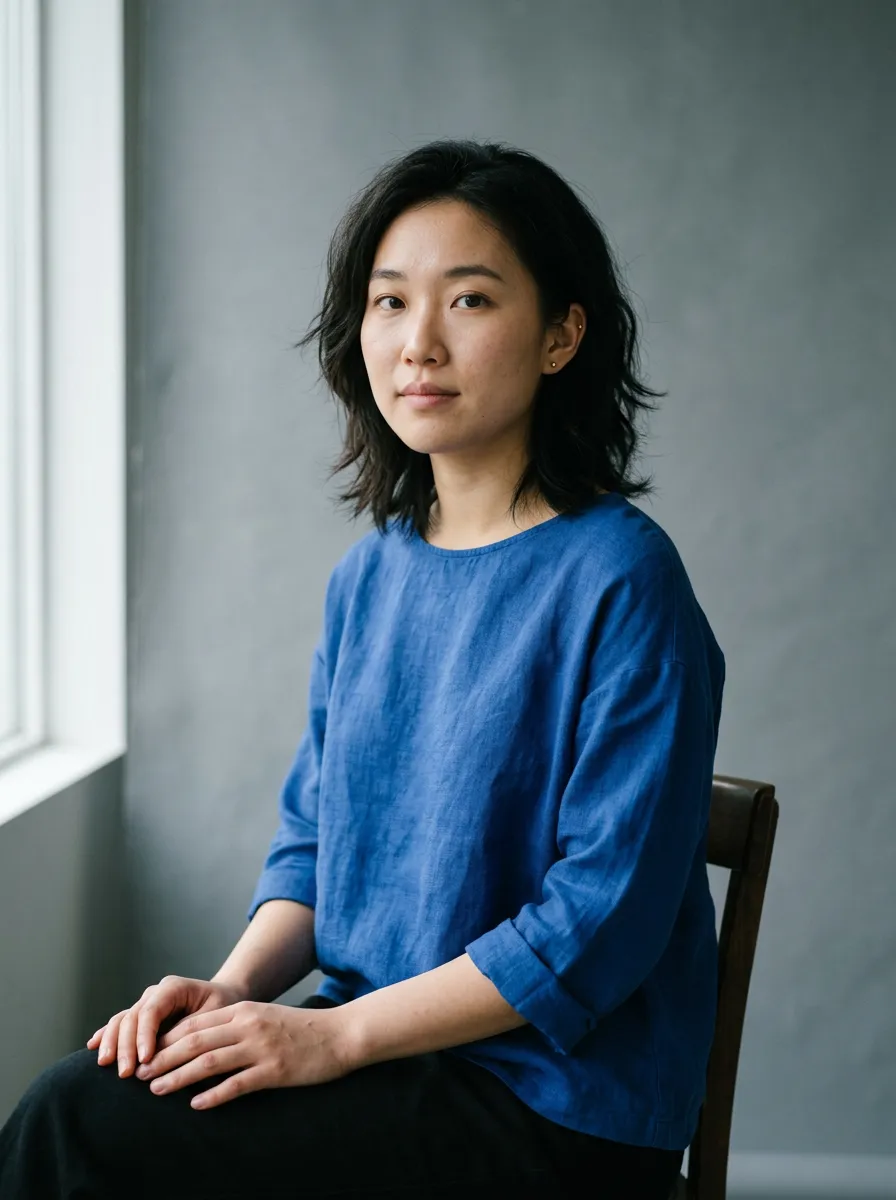
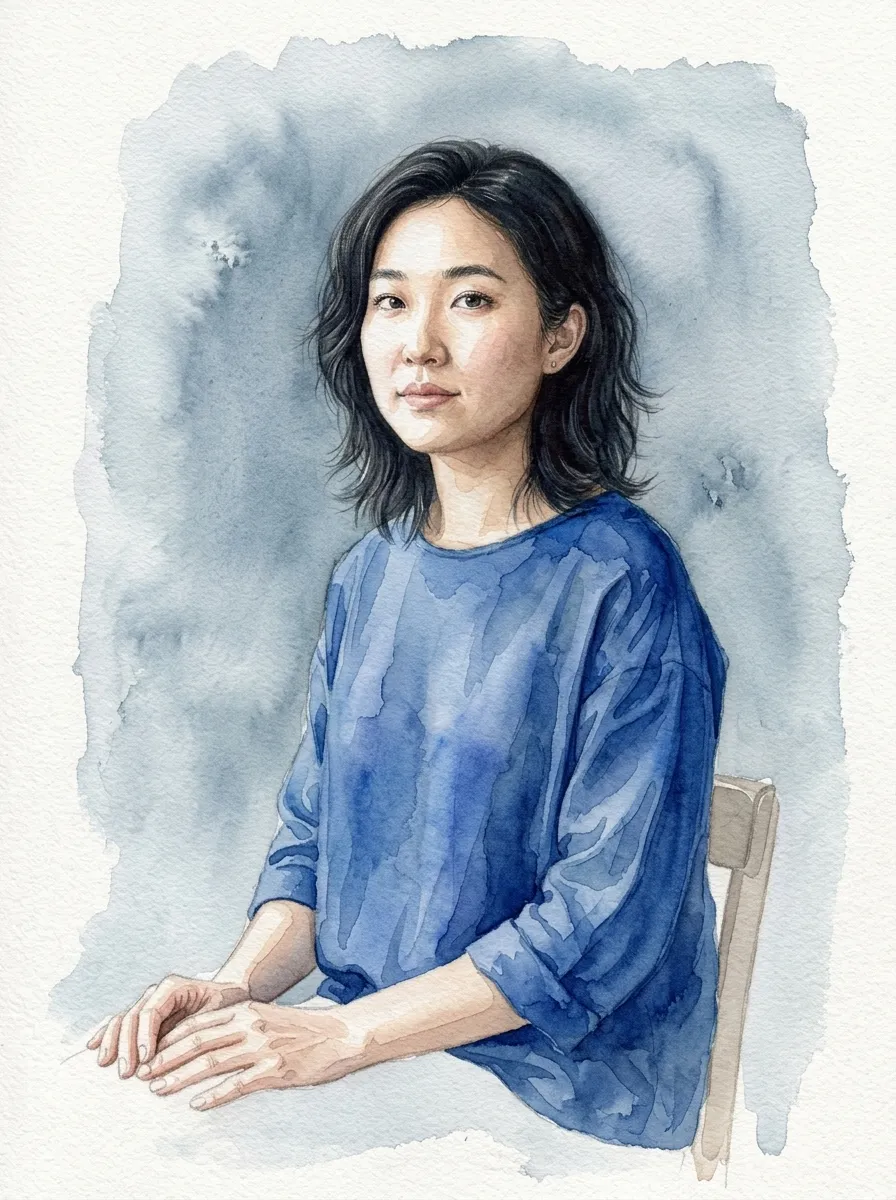
Photo to watercolor converter
Use the AI watercolor generator to transform a portrait, pet, house, or venue photo while preserving the features that make the subject recognizable.
AI watercolor ideas
Use one AI watercolor portrait generator for family artwork, pet memorials, house paintings, wedding stationery, botanicals, and clipart.
How it works
Start from a photo or written idea, choose a watercolor direction, and keep editing the generated painting in the same conversation.
Add a portrait, pet, house, or venue for image-to-watercolor conversion, or generate a new scene entirely from text.
Select an example prompt or write your own, then choose the AI model, aspect ratio, and output resolution.
Request softer edges, richer pigment, or more accurate details, and mark the exact area that needs another edit.
Editable AI watercolor generator
Control the prompt, image model, composition, resolution, and follow-up edits instead of settling for a one-click watercolor effect.
Start with editable prompts for portraits, pets, architecture, weddings, botanicals, landscapes, or storybook illustrations.
Choose Watercolor Lite, GPT Image 2, Nano Banana Pro, or Nano Banana 2, plus the aspect ratio and 1K, 2K, or 4K output.
Continue in plain language after the first generation so every revision builds on the watercolor image and direction you already chose.
Open an AI watercolor image, mark a specific area, and describe the change while keeping earlier versions available in the same workspace.
Save portraits, pets, buildings, brand elements, and other reference images for reuse in future chats without uploading them again.
Start a new chat from an existing conversation or result to explore a different color palette, composition, or style while preserving the original direction.
AI watercolor examples
Click any watercolor painting to load its editable prompt, from transparent landscapes and portraits to botanical clipart and storybook art.
Create 5 free Watercolor Lite images at 1K every day. Use credits for 2K and 4K output or choose another AI image model.
Free plan includes 3 saved assets.
Starter
For trying more models and resolutions
Pro
For professionals
Ultra
For power users
Frequently asked questions
It is a creative tool that turns a written idea or uploaded image into watercolor-style artwork. This studio also lets you continue editing the result through conversation.
Yes. Upload a portrait, pet, house, wedding venue, or another photo, then describe the watercolor treatment and any details that must stay recognizable.
No. Recipes are optional suggestions. Selecting one adds editable guidance to your prompt, and you can change it or write your own instructions from scratch.
State what must remain recognizable in the initial prompt, or mark the relevant area of a generated image and ask for a targeted revision in the conversation.
You choose the model in the composer. Watercolor Lite is the free daily option, with GPT Image 2, Nano Banana Pro, and Nano Banana 2 available when you want a different quality or capability.
Yes. Continue the chat to request changes such as softer edges, stronger granulation, a cleaner background, or a more accurate detail.
You can explore prompts and recipes on the homepage. An account is required to upload images, generate results, keep conversations, and use your image library.
Paid plans include commercial use for downloaded results. You are still responsible for the rights to your source material and for following the terms of the selected model provider.
Turn a photo into watercolor art or start from a text prompt, then edit the result until it feels like yours.
